 neo.js.cn@gmail.com

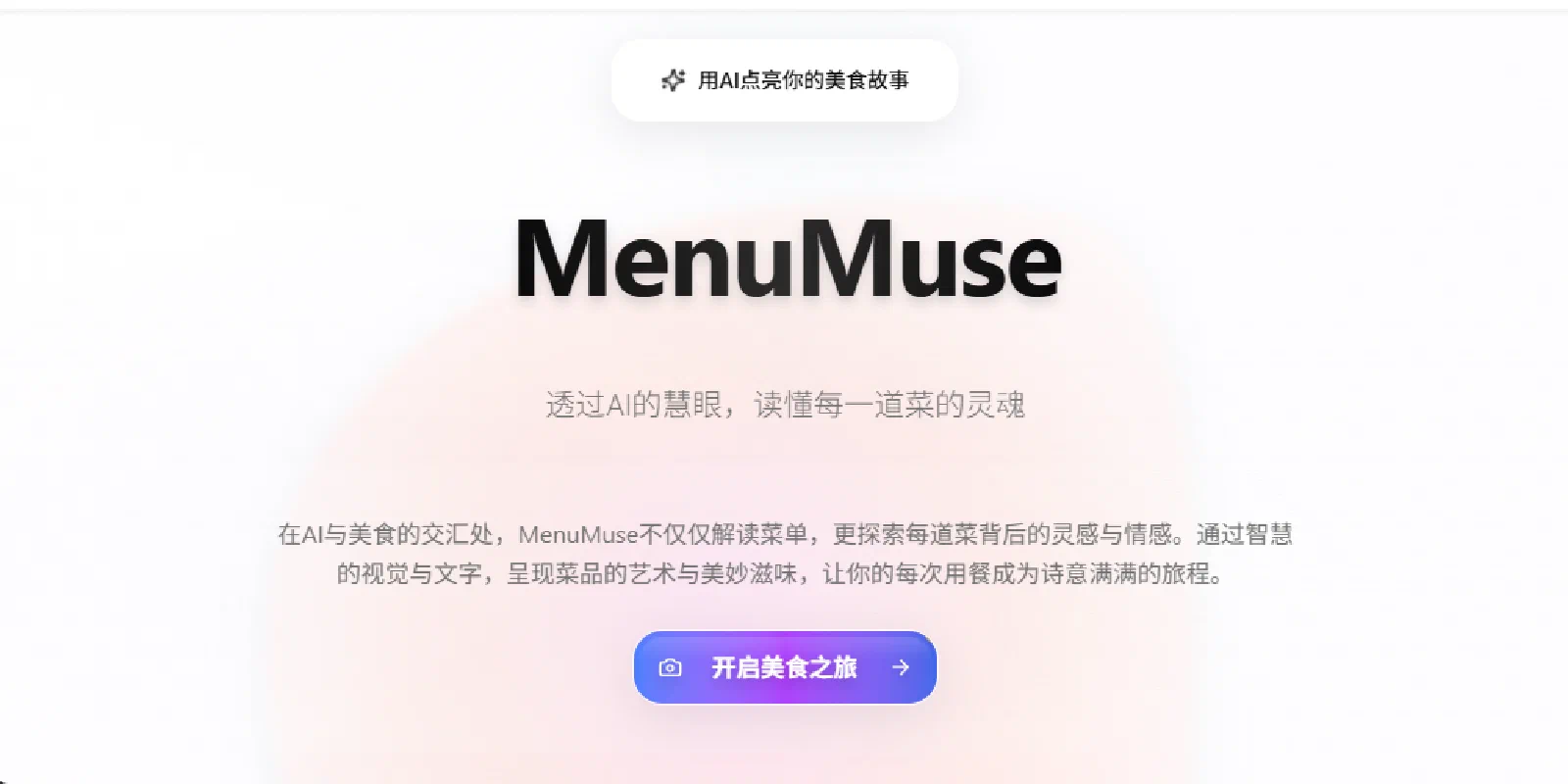
Project Overview
MenuMuse is an advanced AI-powered menu generator that transforms ordinary menu photos into poetic culinary stories. By leveraging deep learning and natural language processing technologies, MenuMuse not only intelligently recognizes dish information but also creates unique literary descriptions for each dish and generates professional-grade food photography images.
Demo
Visit the live demo at MenuMuse Demo
Core Values
- 🧠 Intelligent Recognition: Advanced AI vision technology for precise identification of every dish on the menu
- 🎨 Poetic Copywriting: Unique literary descriptions for each dish, giving food a touch of warmth
- 🌍 Bilingual Presentation: Chinese-English dish names to bridge language barriers
- 📸 Food Photography: AI-generated professional-grade food images, presenting each dish as a work of art
- 💝 Personalized Recommendations: Intelligent pairing suggestions to help you discover the perfect flavor combinations
- 🏛️ Cultural Heritage: In-depth analysis of the cultural background and culinary craftsmanship of dishes
Tech Stack
Frontend Technologies
- Next.js 15 - React full-stack framework supporting App Router and Server Components
- React 19 - UI library supporting the latest RSC features
- TypeScript - Type-safe JavaScript superset
- Tailwind CSS 4 - Utility-first CSS framework
- shadcn/ui - Modern React component library (Neutral style)
- Lucide React - Beautiful icon library
- Zustand - Lightweight state management
AI and Backend Technologies
- Vercel AI SDK - Unified AI development toolkit
- OpenAI GPT-4o - Natural language processing and content generation
- Google Vertex AI - Image generation and vision recognition
- Google Gemini - Multimodal large language model
- Zod - TypeScript-first schema validation
Quick Start
Requirements
- Node.js 18.17+
- npm 9.0+
- Docker (optional, for containerized deployment)
Local Development
- Clone the Project
git clone https://github.com/neozhu/menu-muse-app.git
cd menu-muse-app
- Install Dependencies
npm install
- Configure Environment
cp .env.example .env.local
Edit the .env.local file to configure API keys:
# OpenAI
OPENAI_API_KEY=your_openai_api_key

# Google Vertex AI
GOOGLE_VERTEX_API_KEY=your_vertex_api_key
GOOGLE_PROJECT_ID=your_google_project_id

# Google AI (Gemini)
GOOGLE_AI_API_KEY=your_google_ai_api_key

# Next.js
NEXT_PUBLIC_BASE_URL=http://localhost:3000
- Start Development Server
npm run dev
- Open Browser Visit http://localhost:3000 to view the application
Contact Us
🔗 Links
- Official Website: https://menumuse.blazorserver.com
- GitHub: https://github.com/neozhu/menu-muse-app
💬 Community
- GitHub Discussions: Join Discussions
- Issue Reporting: Submit Issue
- Email Contact: neo.js.cn@gmail.com
Demo
Visit the live demo at MenuMuse Demo
Share on WeChat