 neo.js.cn@gmail.com
 Feb 6, 2026
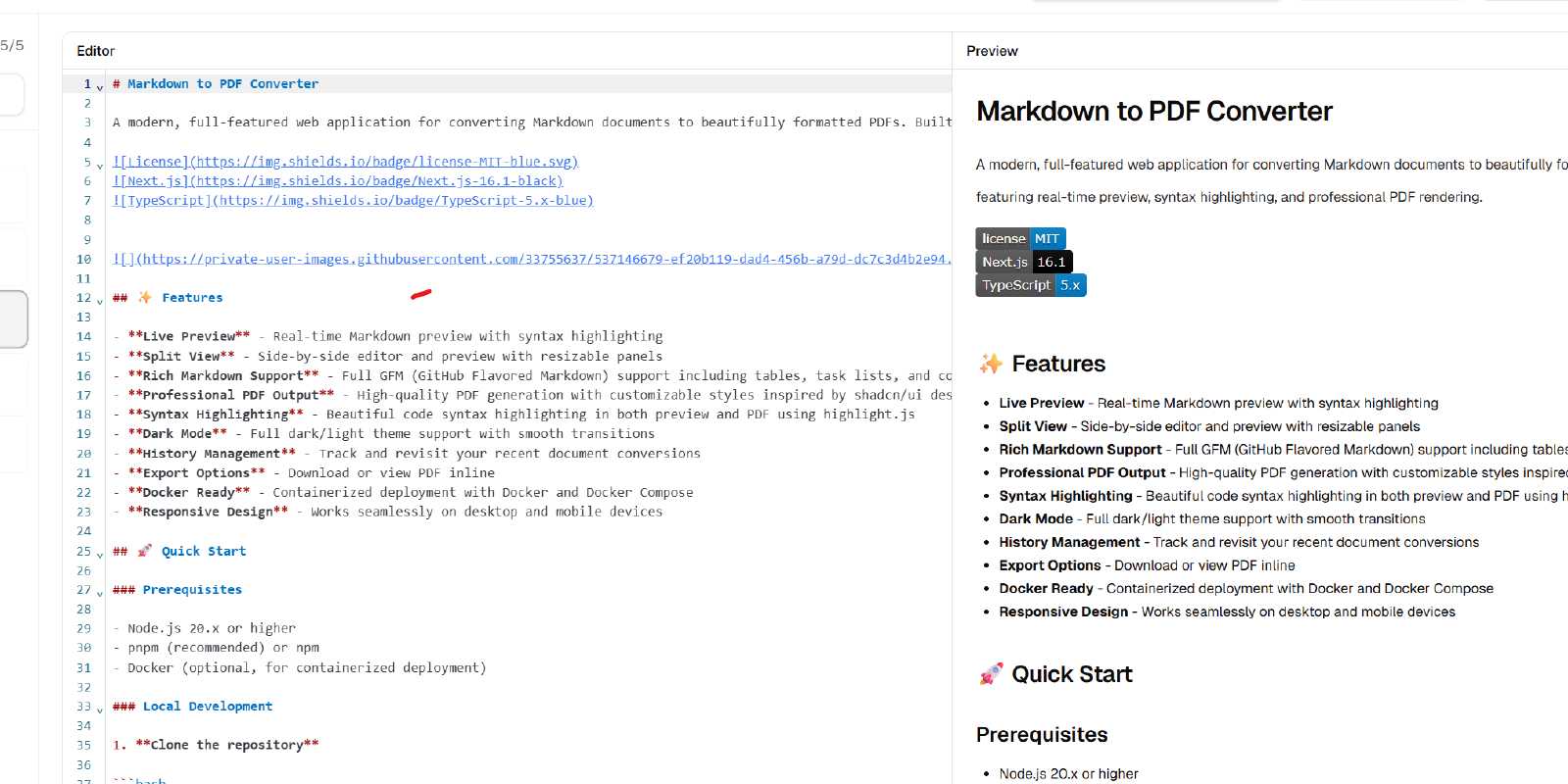
A modern, full-featured web app for converting Markdown into professionally formatted PDFs. Built with Next.js 16, it combines live preview, syntax highlighting, robust export, and a two-agent AI polish workflow for high-quality writing output.
Key Features
- Live Preview: Real-time Markdown rendering with syntax highlighting.
- Split Workspace: Side-by-side editor and preview with resizable panels.
- Full GFM Support: Tables, task lists, code blocks, and more.
- Professional PDF Output: High-quality rendering with customizable styles.
- AI Review & Polish (Multi-Agent): Structured review pass plus controlled rewrite pass.
- Theme Support: Light/dark mode with system preference handling.
- History Management: Track and revisit recent conversions.
- Docker Ready: Deploy with Docker and Docker Compose.
Tech Stack
Frontend
- Next.js 16 (App Router)
- TypeScript
- Tailwind CSS 4
- shadcn/ui
- CodeMirror 6
- React Markdown
Backend & Rendering
- Next.js API Routes
- Vercel AI SDK + @ai-sdk/openai
- Puppeteer (Headless Chrome)
- marked
- highlight.js
Infrastructure
- Docker / Docker Compose
- Google Chrome Stable (PDF rendering engine)
- pnpm
Quick Start
git clone https://github.com/neozhu/md-to-pdf-app.git
cd md-to-pdf-app
pnpm install
pnpm dev
Open: http://localhost:3000
Docker Deployment
docker compose up -d
Stop services:
docker compose down
AI Review Workflow (Two Agents)
- Review Pass: Analyzes structure, tone, clarity, and grammar, then builds an improvement plan.
- Polish Pass: Rewrites with controlled edits while preserving meaning and structure.
- Live Progress: UI shows staged progress and applies polished markdown automatically.
Environment Variables (Example)
PUPPETEER_EXECUTABLE_PATH=/usr/bin/google-chrome-stable
NODE_ENV=development

NEXT_PUBLIC_SUPABASE_URL=
SUPABASE_SERVICE_ROLE_KEY=

OPENAI_API_KEY=
# OPENAI_MODEL=gpt-4o-mini
# OPENAI_BASE_URL=https://api.openai.com/v1
Project Structure (Excerpt)
md-to-pdf-app/
├── app/
│   ├── api/ai-review/
│   ├── api/pdf/
│   └── page.tsx
├── components/
│   ├── md/
│   └── ui/
├── lib/
├── public/
├── Dockerfile
└── docker-compose.yml
Use Cases
- Exporting technical docs and internal guides
- Converting blog drafts into polished PDFs
- AI-assisted review and language polishing
- Standardized Markdown-to-PDF output pipelines
